
What Is Image Compression? A Complete Beginner's Guide
Learn what image compression is, how it works, and why reducing image file size can improve website speed, save storage space, and enhance user experience without noticeably affecting image quality.
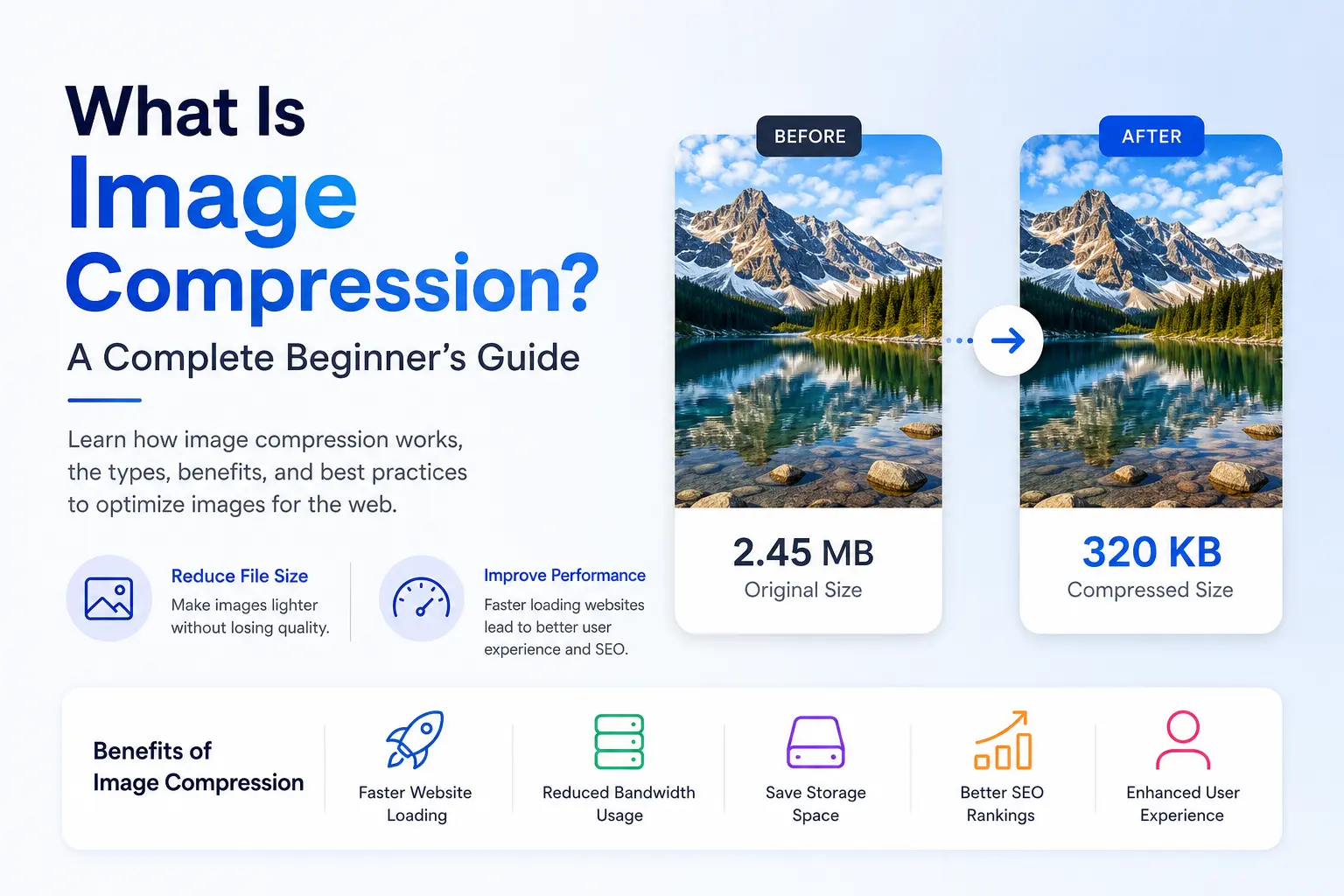
What Is Image Compression?
Image compression is the process of reducing an image's file size while maintaining the best possible visual quality. Smaller image files load faster, consume less storage space, and improve the overall performance of websites and applications.
Whether you're a blogger, designer, developer, or business owner, compressing images before uploading them to your website is one of the easiest ways to improve user experience.
Why Is Image Compression Important?
Large image files are one of the biggest reasons websites load slowly. Every extra megabyte increases download time and can negatively affect visitors, especially those using slower internet connections.
By compressing images, you can:
- Improve page loading speed
- Reduce bandwidth usage
- Save storage space
- Increase website performance
- Improve search engine rankings
- Provide a better user experience
Types of Image Compression
There are two main types of image compression.
Lossy Compression
Lossy compression permanently removes some image data to achieve much smaller file sizes. Although a small amount of quality is lost, modern compression algorithms make these changes nearly impossible to notice in most images.
JPEG and WebP commonly use lossy compression.
Lossless Compression
Lossless compression reduces file size without removing any image data. The original image can be perfectly restored, making this method ideal for graphics, screenshots, and logos.
PNG is one of the most common lossless image formats.
Choosing the Right Image Format
Different image formats serve different purposes.
- JPEG – Best for photographs.
- PNG – Great for transparent images and graphics.
- WebP – Smaller files with excellent quality.
- AVIF – Outstanding compression with superior quality for modern browsers.
Choosing the appropriate format can significantly improve loading speed while maintaining excellent image quality.
Best Practices for Compressing Images
For the best results:
- Resize images before uploading them.
- Choose the correct file format.
- Avoid compressing the same image multiple times.
- Balance image quality with file size.
- Use modern formats like WebP or AVIF whenever possible.
These simple practices help create faster websites without sacrificing visual appeal.
How Image Compression Improves SEO
Search engines prioritize fast-loading websites because they provide a better experience for users. Optimized images reduce page weight, improve Core Web Vitals, and contribute to better search visibility.
Compressed images can also reduce bounce rates, improve engagement, and help visitors access your content more quickly.
Conclusion
Image compression is one of the simplest and most effective ways to optimize a website. By reducing file sizes while preserving visual quality, you can create faster websites, improve user experience, save storage, and support better search engine rankings.
Whether you're building a portfolio, an e-commerce store, or a company website, compressing your images should always be part of your publishing workflow.
Keywords

Abdul Manan
Passionate about building fast, reliable, and privacy-first web tools that simplify image optimization. Focused on creating intuitive experiences that help users compress, convert, and optimize images effortlessly.